Tap anywhere to continue
Home

Mission Control

Your creator command centre — key stats, insights, and quick actions at a glance.

💡
Ideas Saved
0
in your vault
🏆
Top Idea Score
add ideas to rank
👁️
Competitors Tracked
0
channels monitored
📡
API Status
📺
Your Channel
set in Tracker
💰
Est. Monthly Revenue
use RPM Calc first
⚡ Quick Actions
🧠 Insights
👋
Welcome to Visionary Pro! Start by adding your first video idea in the Idea Ranker, or track a competitor to unlock the full Compare dashboard.
Creation

Idea Ranker

Score your video ideas to predict view potential. Max 20 points.

Add New Idea
🔥 Trending 3
🎣 Hook 3
⏱ Retention 3
💡 Originality 3
Ranked Ideas

No ideas yet. Add your first idea above!

Creation

Title Generator

Generate 5 viral-pattern titles. Each title ends with a symbol and two emojis.

Configure
Creation

Viral Score

Predict your Short's viral potential based on retention and watch-through.

📺 Average % Viewed 80%
50%80%130%
👁 Stayed to Watch 70%
30%60%90%
Factor Breakdown
Viewer Satisfaction0%
Hook Strength0%
Replay Value0%
Algorithm Push0%
viral chance
Set your sliders then press to see the cinematic result
Revenue

Revenue Calculator

Estimate YouTube ad revenue for any video or channel. Requires YouTube API key.

Single Video
Channel Monthly
Single Video Revenue
Revenue

RPM Calculator

Personalised RPM by country, niche, and video length. No API key needed.

Step 1 — Content Type
Step 2 — Select Up to 5 Countries
Green = Tier 1 (High RPM) Blue = Tier 2 Orange = Tier 3 Red = Tier 4 (Low RPM)
Step 4 — Video Length
Duration 10 min
Step 5 — Niche
Step 6 — View Count
🌍 Global RPM Map — Long-form

Spin the globe and click any country to see average YouTube RPM rates. Updates when you switch between Shorts and Long-form.

Average RPM by Tier
Selected Country
Revenue

RPM Globe

Spin the globe and click any country to explore average YouTube RPM rates. Switch between Shorts and Long-form to see how rates differ worldwide.

Drag to rotate · Click a country to zoom in
Click any highlighted country to explore its RPM
Long-form RPM by Tier
Tier Legend
${[1,2,3,4].map ? '' : ''}
Competitors

Competitor Tracker

Track any channel's last 25 videos. Find their outlier hits and compare to yours.

Your Channel
Add Competitor
Competitors

View Growth Tracker

Monitors every tracked competitor's newest video simultaneously, fetching views every 15 minutes. Plots them all on one graph and shows views per hour.

Not tracking
Press Start to monitor all competitors
Competitors

Compare Channels

Head-to-head stats across all tracked channels. Spider charts and rankings.

📅 Views Timeline — Latest 25 Videos (Oldest → Newest)

Each point = one video, plotted in upload order. Dashed line = your channel.

📈 Growth Trend — 5-Video Rolling Average

Smoothed to show trajectory. Rising = channel is growing. Your channel shown as dashed.

📊 Average Views vs Average Likes
⚡ Channel Strength Score

Composite score: subscribers, avg views, avg likes and outlier count — normalised across all channels including yours.

🏆 Head-to-Head Table
ChannelSubscribersAvg ViewsAvg LikesOutliersTrend
Add competitors in the Tracker to compare channels here.
Creation

PDF Export

Generate a clean branded report of your competitor comparison to save or share.

What Gets Exported
Head-to-head channel rankings table
Average views comparison bar chart
Engagement rate per channel
Your channel vs competitors (if set)
Visionary Pro branding + date stamp
💡 How it works: Click the button below. A print-ready page opens in a new tab — use File → Print → Save as PDF (or Cmd/Ctrl+P) to save it. Works in all browsers.
Top Ideas Snapshot

Also exports your top 5 ranked ideas from the Idea Ranker.

Home

Video Alerts

Monitors the latest 3 videos per competitor. When any crosses your view threshold, an alert appears in your Dashboard instantly.

Alert Settings
views
Alert fires when a video crosses this number.
How many recent uploads to scan per channel.
How It Works
1. Track competitors in the Tracker tab
2. Set your view threshold and how many recent videos to monitor
3. Every time you open the app or visit the Dashboard, it auto-checks
4. Alerts with a Watch link appear in your Dashboard when videos go viral
Watched Channels
No competitors tracked yet — add channels in the Tracker first.
🔔 Active Alerts
No alerts yet. Alerts appear here when a video crosses your threshold.
Help

Setup Guide

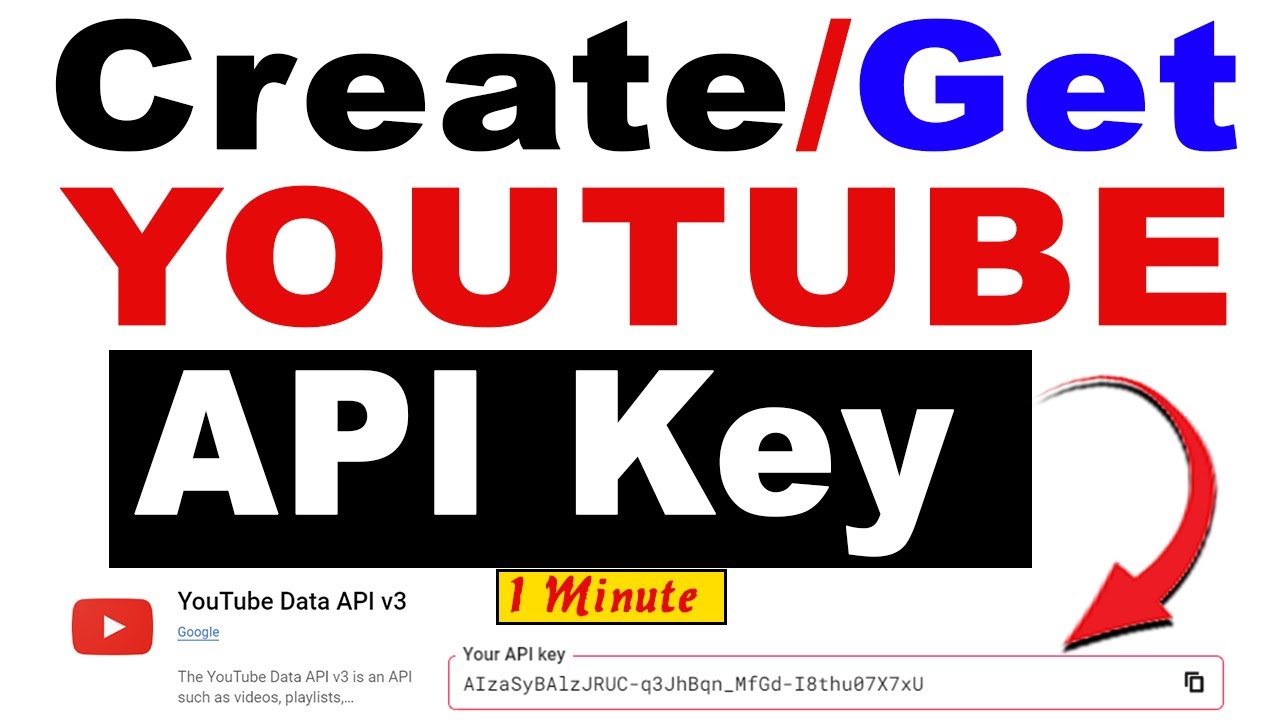
Get a free YouTube Data API v3 key in 5 minutes. Required for live data tools.

API Key
5-Step Walkthrough
1

Go to Google Cloud Console

Visit console.cloud.google.com and sign in with your Google account.

2

Create a New Project

Click "Select a project" → "New Project". Name it anything (e.g. "YouTube Tools") and click Create.

3

Enable YouTube Data API v3

Go to "APIs & Services" → "Library". Search for "YouTube Data API v3" and click Enable.

4

Create Credentials

Go to "APIs & Services" → "Credentials" → "Create Credentials" → "API Key". Your key will appear — copy it.

5

Paste Your Key Above

Paste the key in the field above and click Save. The green dot in the sidebar confirms it's active. You get 10,000 free units/day.
Video Tutorial